
Release Notes - Thorium Reader iOS v1.2
Browse, search and download new books with Web catalogs.
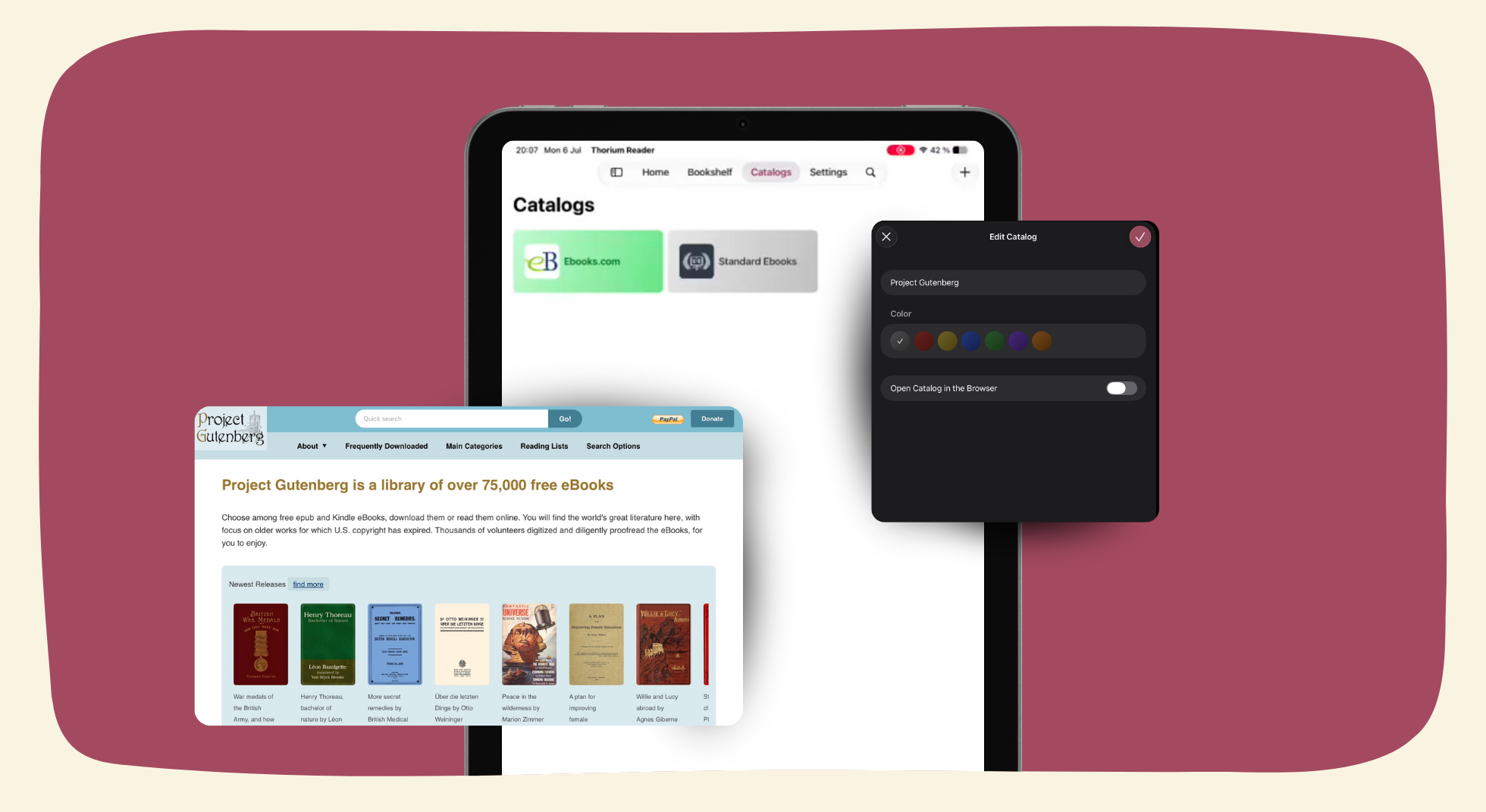
Summer is almost over and after some much-needed vacation time, Thorium Reader is back in session with a brand new release on iOS.
This version of Thorium Reader introduces Web catalogs, a download manager, support for deep links, and translations for three additional languages.
As usual, we want to thank everyone who contributed to this new release by sending us their feedback on the app. Over the past few months, our Discord server has been very active, with many members flagging areas that needed changes or improvements. Every message we receive helps us build a stronger app.
What’s new in Thorium Reader?
Support for Web catalogs
With Web catalogs you can add any website (such as their favorite retailer, a library or public domain catalogs) to browse, find and download publications without leaving Thorium Reader.
Here's a list of places where you can find public domain books, they'll make a great first addition to your list of catalogs:
Thanks to the download manager, you can easily download larger files or multiple files at once. Downloads will continue in the background while you're reading and send you a notification once they've completed.
Take a look at our dedicated page if you'd like to learn more about catalogs and the download manager.
Now available in Estonian, Lithuanian and Polish
We're happy to introduce support for three new languages on iOS: Estonian, Lithuanian and Polish.
We'd like to extend our thanks to Tomek from Elibri (Poland) and Naglis Jonaitis (Lithuania) for their help.
If the app isn't available yet in your language and you’d like to help, reach out on Discord or through our support page.
Deep links
To make it even easier to add catalogs or download publications, this version also introduces support for deep links.
This feature is primarily meant for anyone distributing ebooks, comics and audiobooks on the Web.
A dedicated page is available for developers as well as a badge creator.
If you'd like to try it out, follow this link to add Project Gutenberg to your list of catalogs:
What’s next for Thorium Reader on iOS?
Our next update is right around the corner and will introduce support for tap to zoom on images along with extended image descriptions.
See you soon for more updates!


